
Site Tracker
Follow installation progress on your mechanical services sites in real time, collect data from your field team and produce professional reports.
iOS App
Pipework
VRV
HVAC
Plumbing
Follow installation progress on your mechanical services sites in real time, collect data from your field team and produce professional reports.
Every stage of site management
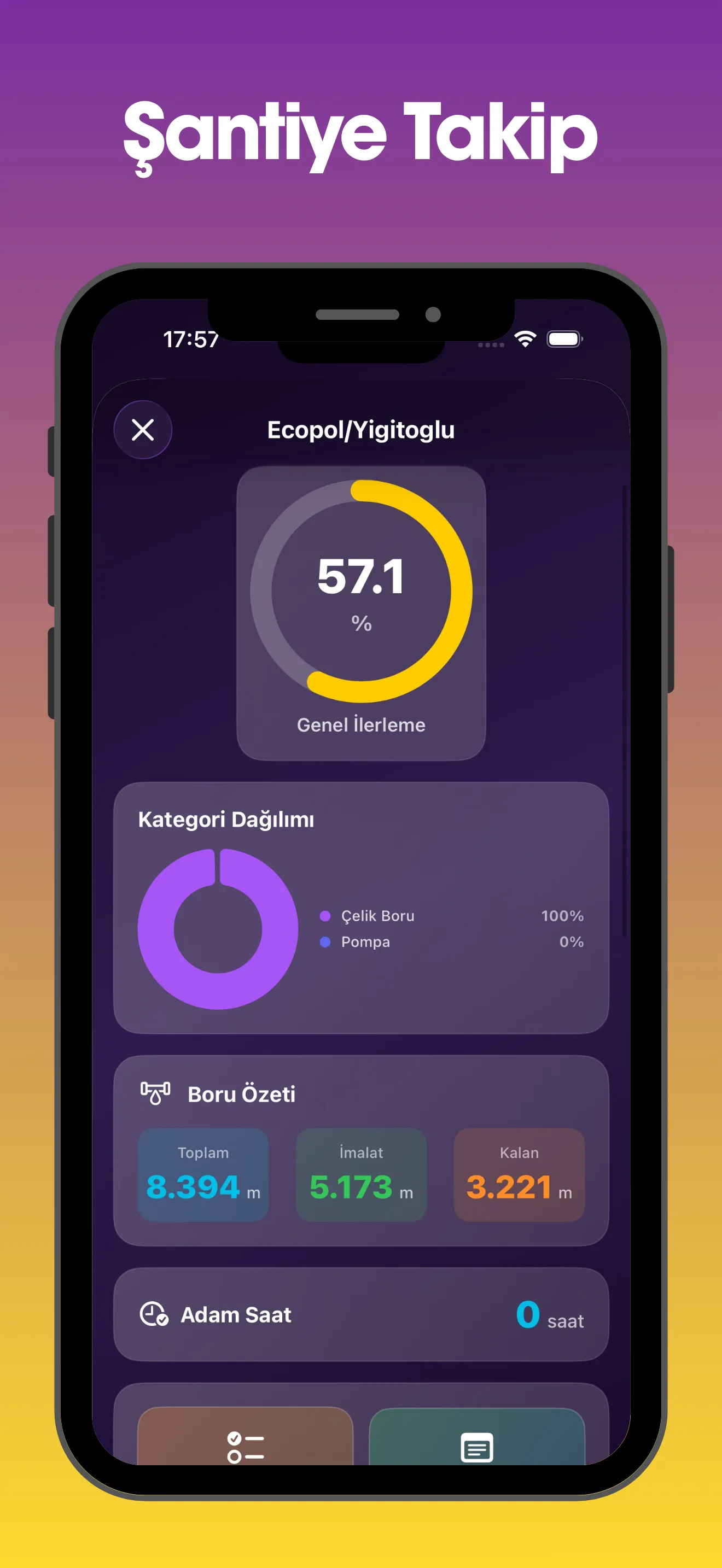
Overall progress percentage, category breakdown, pipework summary and man-hour tracking on one screen.
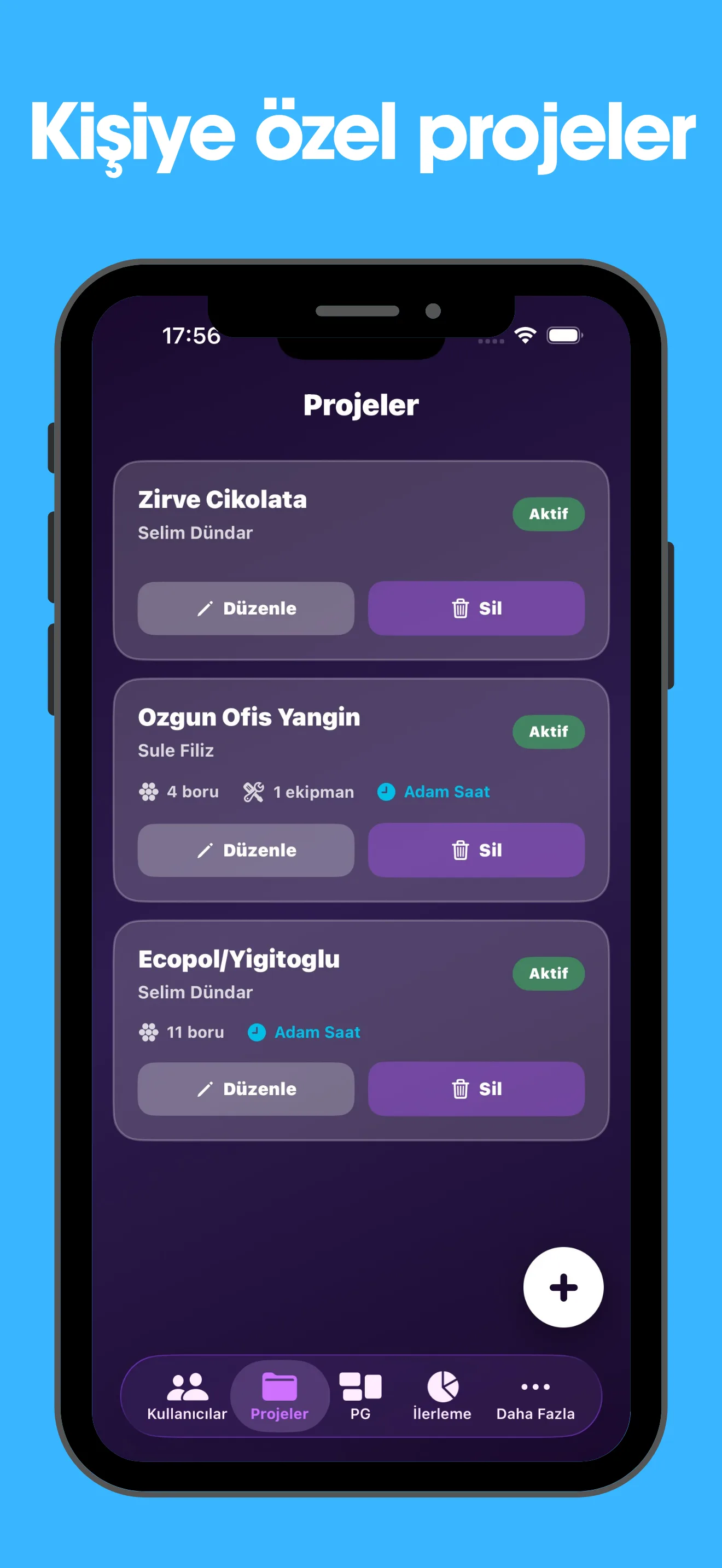
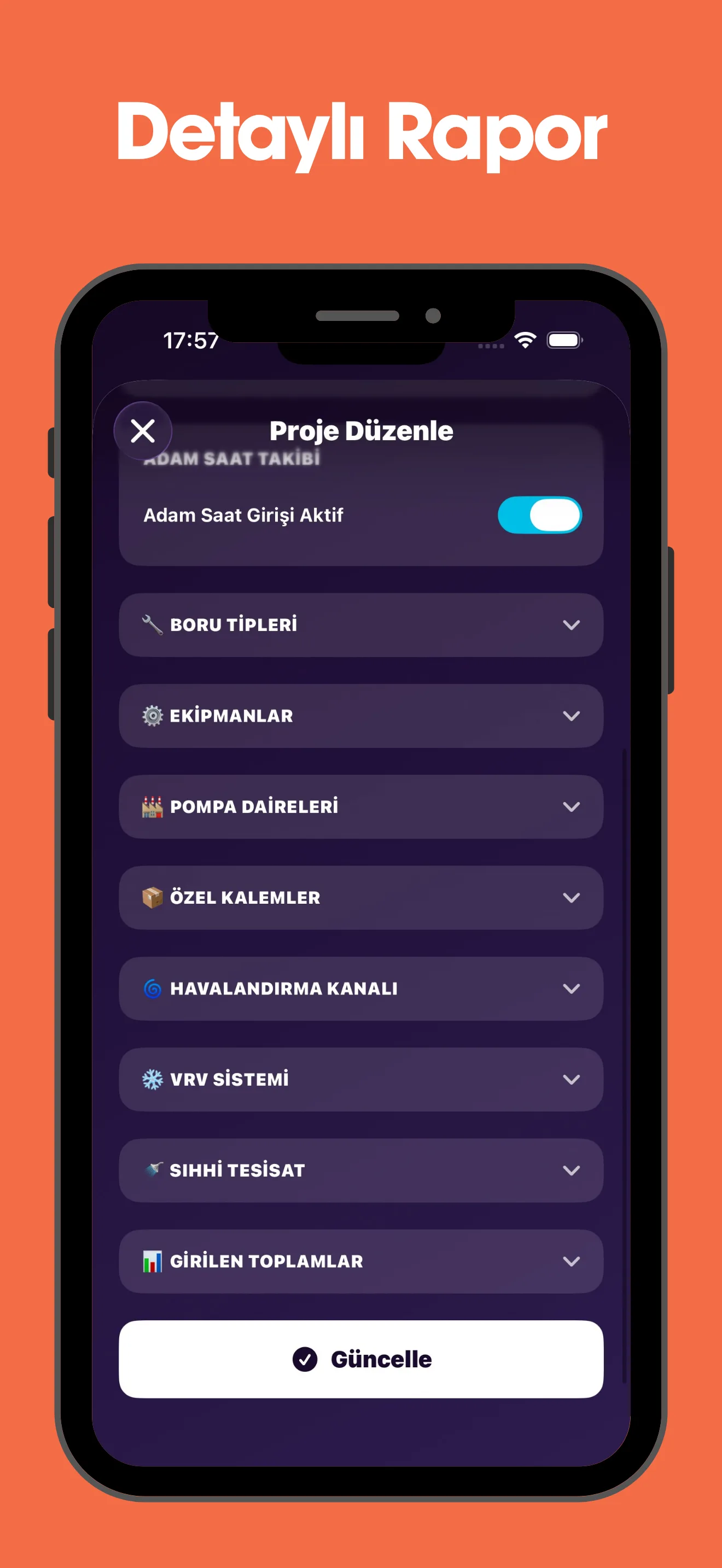
Manage several site projects from one screen, with pipe type, equipment and man-hour data.
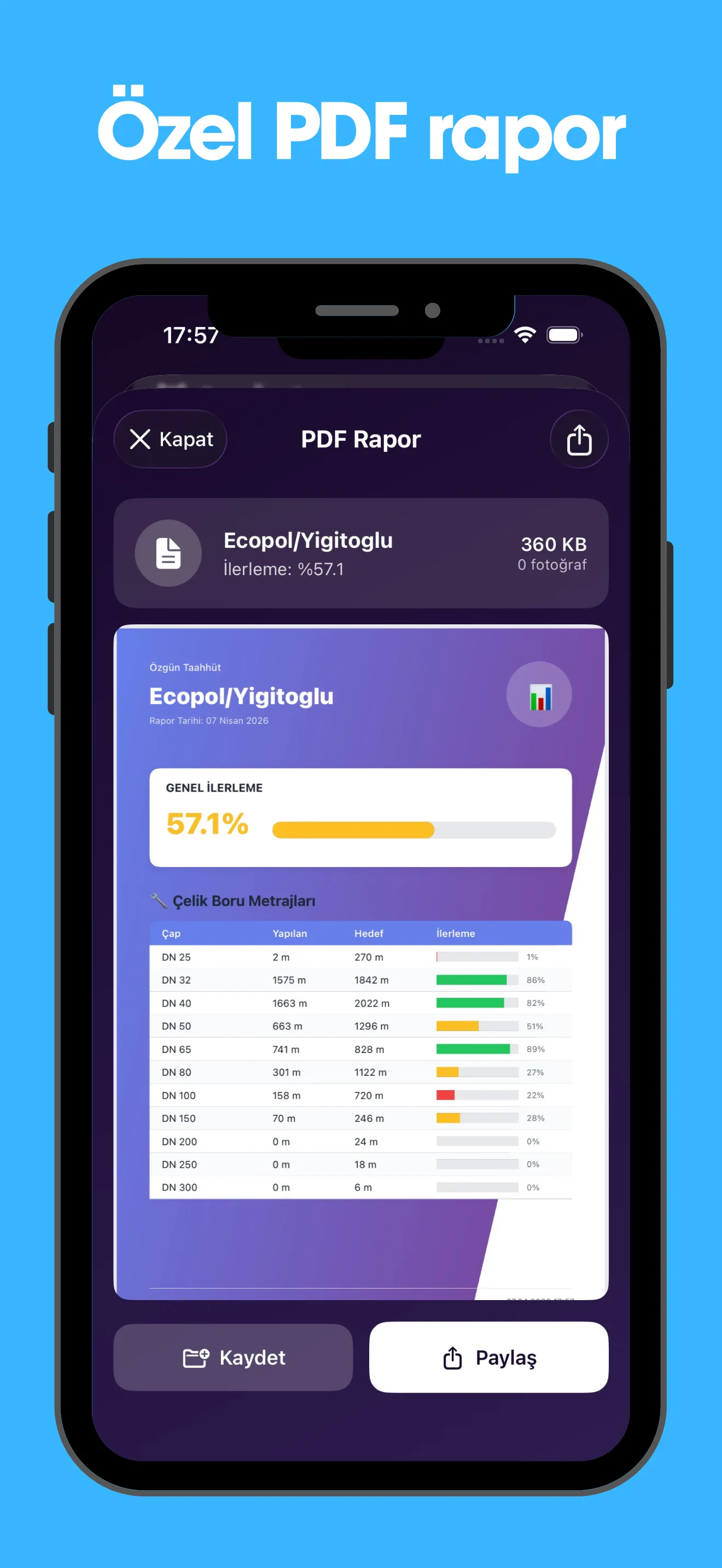
A professional PDF report with overall progress, steel pipework quantities and detailed tables.
Everything site management needs, in one app
Manage several site projects from one screen and compare their progress in real time.
A hierarchy of Admin, Manager and Field Team roles, where each role can only do what it is authorised for.
Daily entries are totalled automatically, with progress percentages by category and man-hour weighted calculation.
The field team can attach photos from the camera or gallery alongside the daily entry, for visual documentation.
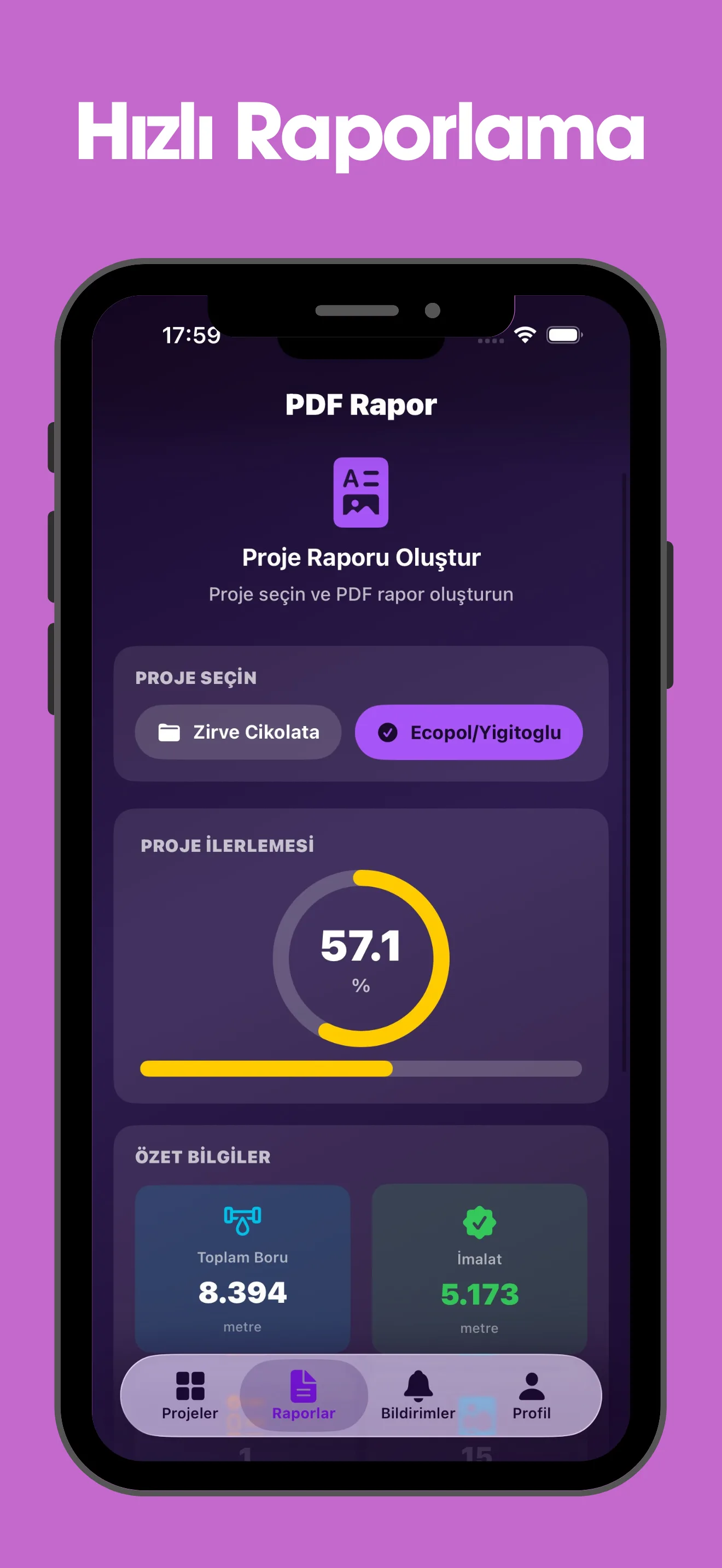
Generate a professional PDF with one tap: overall progress, a detailed quantity table by category, and charts.
Alerts for new entries, project updates and tasks, with deep linking straight to the relevant screen.
Digitise your site in five steps
Download from the App Store and register with your company details. Your account becomes active after admin approval.
As the admin, add your field team to the system and assign the Manager or Field Team role.
Create your site projects: set the pipe sizes, target quantities and categories.
The field team enters daily installation data, adding the quantity completed for each pipe size and attaching photos.
Follow progress across every project, then generate and share a professional PDF report with one tap.
Secure access through a role hierarchy
Add and remove users, create projects, view all data, pull reports and manage settings.
Manage assigned projects, follow progress and pull reports.
Daily data entry, photo upload and task completion, with access to assigned projects.
Site Tracker follows seven main categories: steel pipework (20+ sizes from DN15 to DN600), HVAC ductwork (m²), VRV systems (indoor and outdoor units, copper pipe, drainage), plumbing (PPRC, PVC and HDPE pipe and fittings), equipment (fans, booster sets, compressors), plant rooms (heating, cooling, fire) and up to three custom-defined items.
Site Tracker has a role hierarchy. Admin: add and remove users, create projects, view all data and pull reports. Manager: manage assigned projects, follow progress and pull reports. Field Team: daily data entry, photo upload and task completion. Each user can only carry out the operations they are authorised for.
Installing each pipe diameter takes a different amount of work. One metre of DN300 pipe takes roughly 6.5 times the man-hours of one metre of DN25. Site Tracker calculates that difference automatically and shows a progress percentage based on the real workload — so you track actual installation effort, not just linear quantities.
Yes. Site Tracker supports multi-project management. You can create an unlimited number of site projects, track each separately and compare the progress of all of them from a single screen. Different users can be assigned to each project.
Select the project from the Reports tab and generate a professional PDF with one tap. The report contains the overall progress percentage, a detailed quantity table by category (completed, target, progress), charts and project summary data. It can be shared by messaging, email or as a file, or saved to your device.
A field team member signs in with their own account, selects the project they are assigned to and enters the day's installed quantities. Metres run for each pipe size, equipment installation counts and plant room status are entered separately, with optional photos from the camera or gallery. Entries are totalled cumulatively, so each day you only enter what was done that day.
Site Tracker can be downloaded from the App Store, and the core project creation and tracking features are free to use. In-app subscription options are available for advanced features. It runs on iOS 17 and later.
Get it from the App Store and manage your sites digitally.